Sam’s Club Scan and Go Steps, Rules and Limits

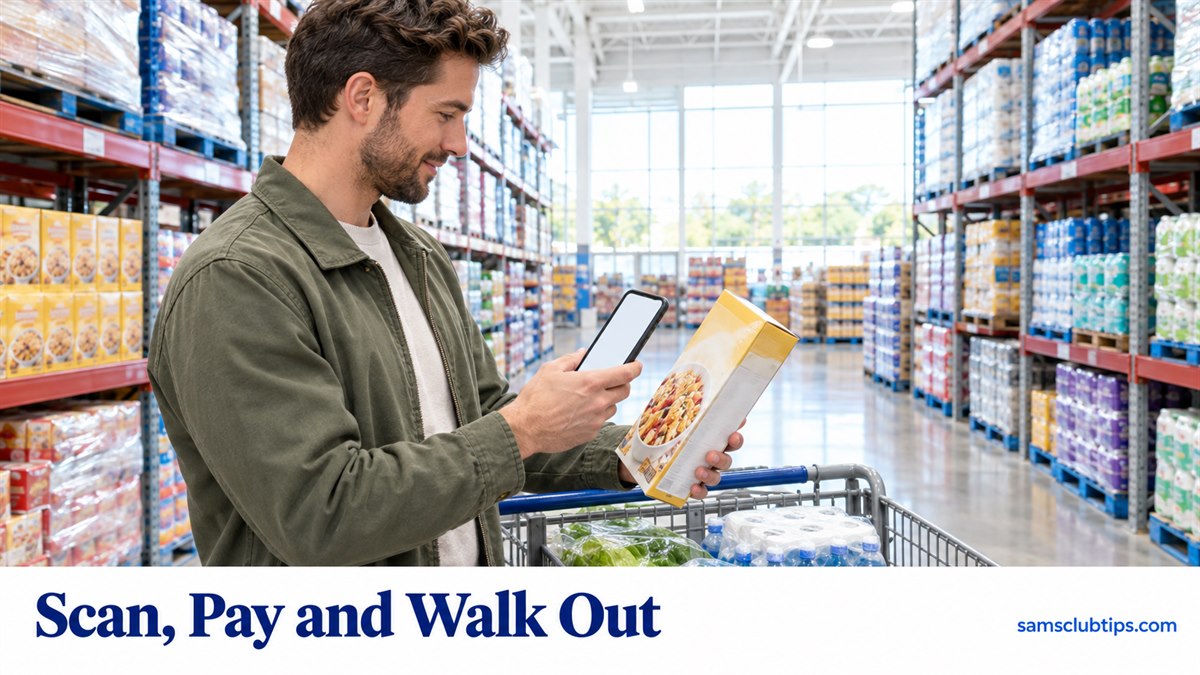
Sam’s Club Scan and Go lets members scan items with the Sam’s Club app, pay on the phone and walk out without stopping at a register.
It’s included with both Club and Plus. It only works inside a club, and Sam’s Club caps app orders at $1,000 a day.
How Sam’s Club Scan and Go works
- Open the Sam’s Club app once you’re inside the club and tap the Scan & Go tab. The scanner button only appears when the app knows you’re in a club.
- Scan each item’s barcode as it goes in the cart. For anything sold by weight, scan the barcode on the package, not the shelf tag.
- Tap checkout, choose a card, Sam’s Cash, a gift card or a SNAP EBT card, and Slide to Pay.
- Walk out through the exit. Keep the receipt screen handy, since an associate can still ask for it.
Signing in is optional. The Scan & Go help page says you can tap Continue without signing in and scan or type your membership number instead. Cards aren’t saved for those orders, so you enter one each time.
Sam’s Club’s terms for the app add two details the help pages skip.
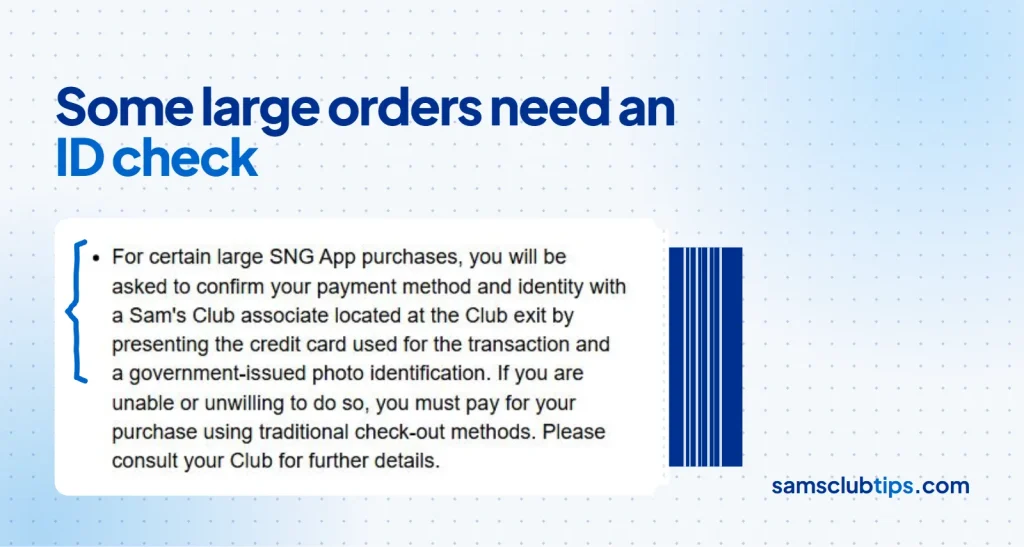
Items with no barcode can be recognized by the camera, and Sam’s Club may keep those images. And on certain large orders, an associate at the door checks the card you paid with and a government photo ID.
Items you can’t buy with Scan and Go
The terms list what has to go through a register: alcohol, tobacco, gift cards that aren’t pre-activated, tires, car batteries, hearing center items, R-rated movies and games, prescriptions and some harsh chemicals. The app answers those with a “Purchase at a register” message.
Alcohol is where the rules disagree. The same help center that hosts those terms has a Scan & Go help page with a step-by-step flow for buying alcohol in the app.
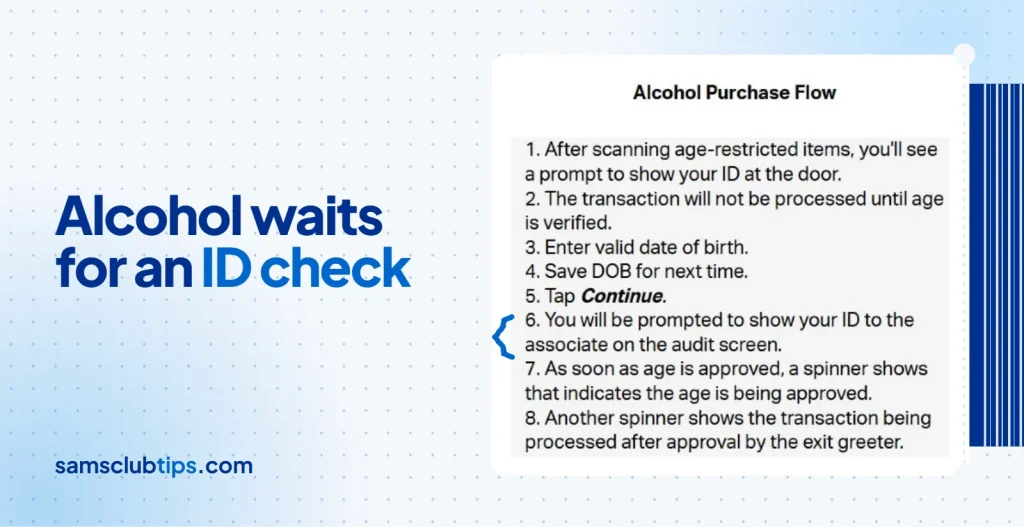
In clubs that allow it, you enter your birth date, and the payment only goes through after an associate at the exit checks your ID. Time limits on alcohol vary by club, and some states cap the volume, so the app’s own prompt is the real answer for your club.
Scan and Go limit and payment methods
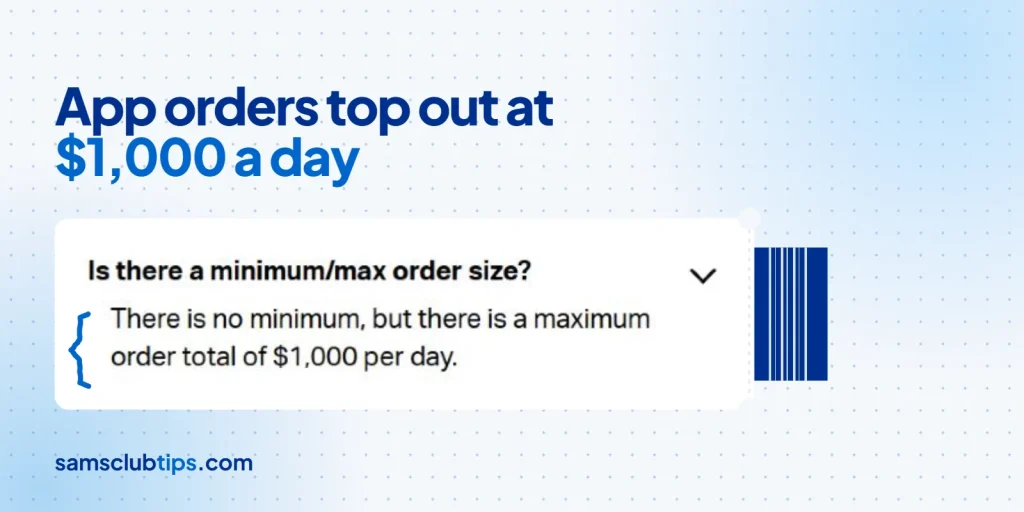
- There’s no minimum order, but app orders top out at $1,000 a day.
- Non-members, guest memberships and expired memberships can’t use it. An expired account gets a prompt to renew in the app.
- Gift cards bought in the app stop at $500 a day, and some brands at two per order.
- The app won’t split a payment across two credit or debit cards, which a register will, according to Sam’s Club’s split payment page.
- It runs on phones only. Tablets and foldables in tablet mode don’t get Scan & Go.
SNAP EBT works, but you have to pick the EBT card before you Slide to Pay, or the app charges your default card. The EBT guide walks through the PIN step.
Tax-exempt members tick a box at checkout to apply the exemption to every eligible item.
Paying for gas and Café orders in the app
Scan & Go also pays at the pump. Tap the Fuel tile, scan the QR code on the pump’s screen, pick a card, enter its security code, and the pump turns on, with the receipt landing in the app. The gas prices guide explains how members’ fuel pricing works.
For food, the Café tile lets you order and pay ahead, even adding grab-and-go Café items you’ve scanned, then show the order number at the pickup counter. The full Café menu and prices are a separate guide.
Sam’s Club exit arches and registers
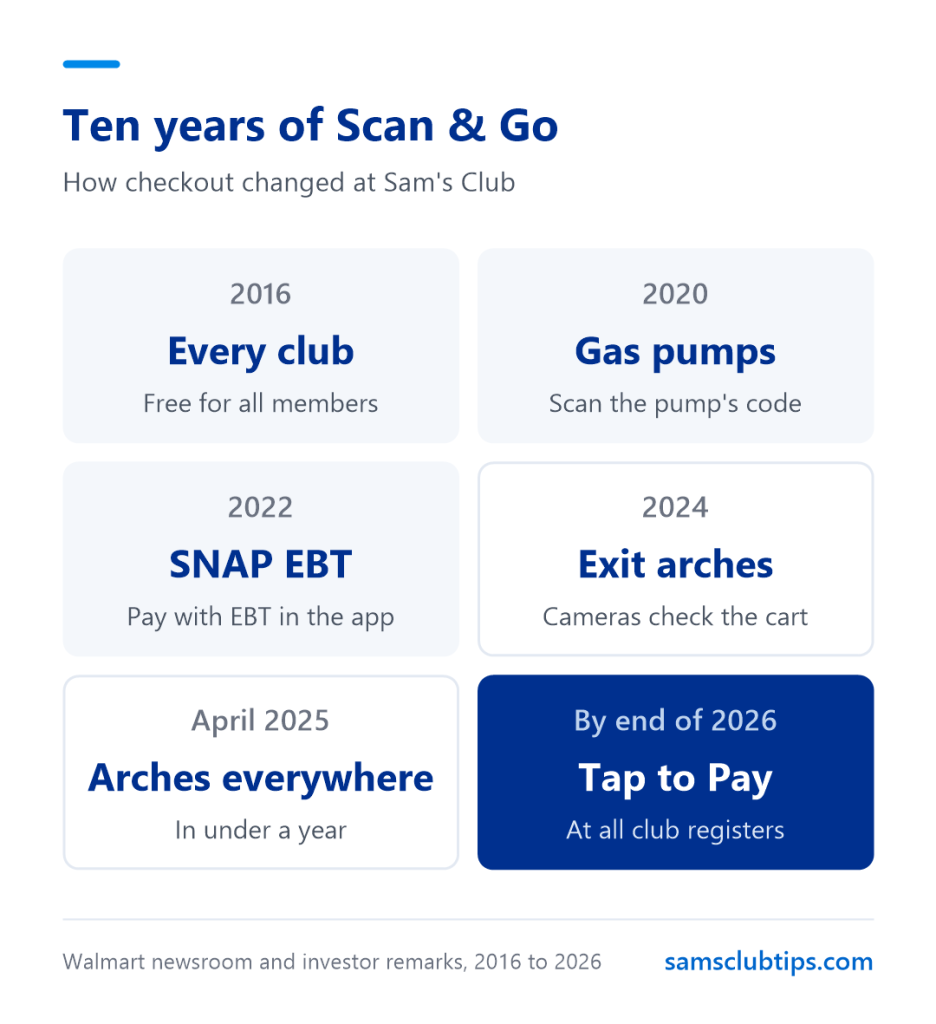
The slowest part of Scan & Go used to be the door, where an associate scanned the receipt and checked the cart. Sam’s Club replaced that with camera arches it calls Just Go, first shown in January 2024.
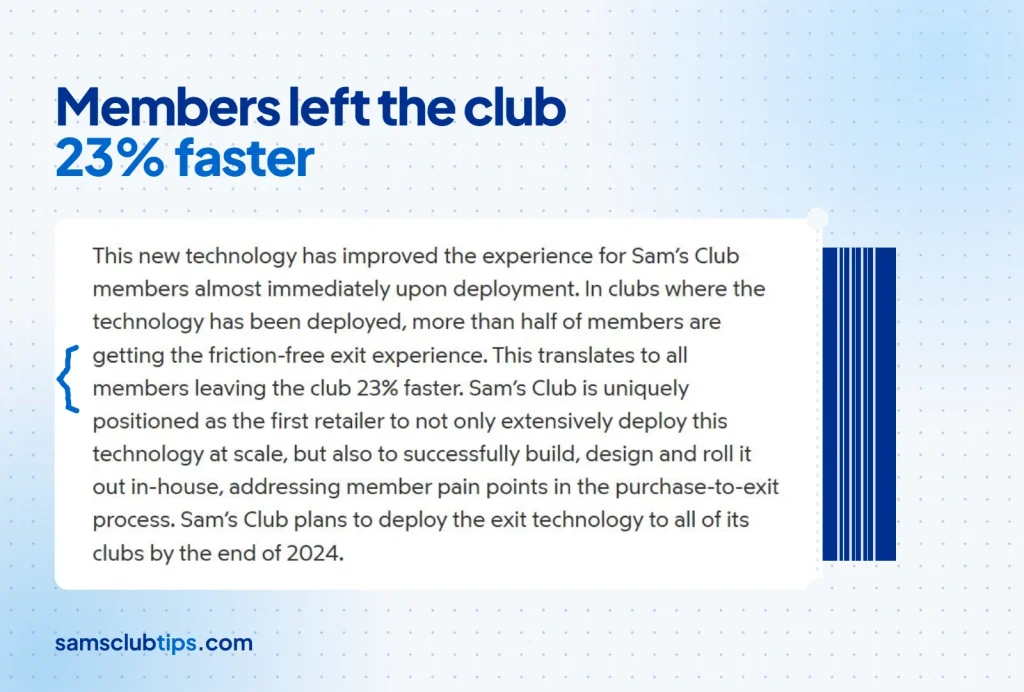
By April 2024 the arches were in more than 120 clubs and members were leaving 23% faster, Sam’s Club said in a Walmart newsroom release. At its investor meeting in April 2025, the company said Just Go had reached every club in under a year.
Registers haven’t gone away. The clubs in Grapevine, Texas, and Tempe, Arizona, opened without them, but Sam’s Club’s finance chief told an investor conference in June 2025 that it had not decided to take registers out of every club. Modern Retail reported then that 75% of members walk through the arches and that Scan & Go was 35% of sales.
Those projected arrows on the floor near the exit mark a Scan & Go lane past the registers. The help center says members don’t have to use it.
Walmart and Costco scan and go
Walmart’s Scan and Go is a Walmart+ perk, and it still ends at a register, where you scan a QR code and pay with Walmart Pay. Costco has been testing app scanning and pre-scanned carts with pay stations in some warehouses, but it has no fleetwide version.
That makes Scan & Go the most useful perk in the $60 Club tier, as I see it. A member who only ever shops in person still skips the line on every trip.
Scan and Go receipts and returns
Receipts stay in the app, and you can export one to print it. For a return, take the item and the digital receipt to the Membership Desk, under the usual Sam’s Club return policy.
Forgot something after paying? Tap Purchase More Items on the receipt screen before you leave, and it rings up as a second order. Alcohol can’t go on that second order, so buy it at a register.
If the app can’t take a payment, it says you haven’t been charged and sends you to a self-checkout or a staffed register to finish.
Prices, fees and policies were checked when this guide was last updated and can change without notice. Sam’s Club Tips is an independent site and is not affiliated with Sam’s Club or Walmart Inc.